
 Image 1 of 1
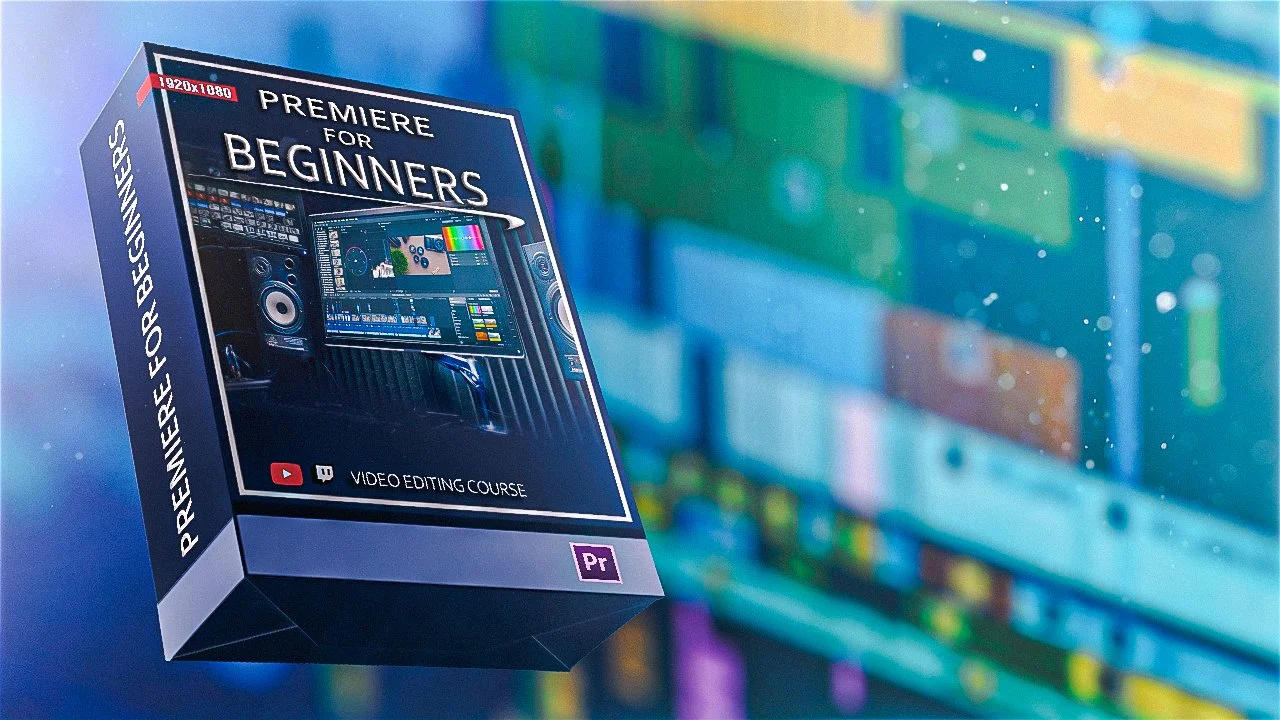
Want to learn how to edit videos for YouTube using Premiere Pro? We’ll show you how! In this self-paced course you’ll receive instructional video lessons to learn how to:
Identify and use basic Premiere Pro tools
Set up your timeline for organized editing
Splice and arrange raw footage clips
Synchronize sound and custom audio to footage
Create scenes with green screen
Implement basic special effects (ex. zoom-ins/outs, slow-mos, blurs, and more)
Apply export settings
AND MORE!
Purchasing this course you also receive lifetime access and 1 on 1 support services for any questions you may have + one FREE private 30 minute lesson with our digital content designer on a video editing topic of your choosing!
Want to learn how to edit videos for YouTube using Premiere Pro? We’ll show you how! In this self-paced course you’ll receive instructional video lessons to learn how to:
Identify and use basic Premiere Pro tools
Set up your timeline for organized editing
Splice and arrange raw footage clips
Synchronize sound and custom audio to footage
Create scenes with green screen
Implement basic special effects (ex. zoom-ins/outs, slow-mos, blurs, and more)
Apply export settings
AND MORE!
Purchasing this course you also receive lifetime access and 1 on 1 support services for any questions you may have + one FREE private 30 minute lesson with our digital content designer on a video editing topic of your choosing!