
Our Services
Check out our range of content creation and creative design services.
What We Offer
-
We specialize in long-form gaming and talking head videos for YouTube.
Pricing starts at $150 per video.
-
Video Thumbnails, Twitch Backgrounds, YouTube Channel Banners, and more!
Thumbnails start at $20. Pricing for other graphics is determined per project.
-
We can help with video outlines and scriptwriting. For a channel audit and personalized content strategy plan go here:
-
We have the following available for purchase:
YouTube Editing Starter Course
Custom video editing templates, transitions, and animations
Digital content planner template
Links to purchase are down below
-
If you’d rather learn how edit or design thumbnails yourself, message us to book this service below and schedule a time to learn 1 on 1 with our digital content designer!
We offer a range of services to meet the needs of every client. Have something else in mind? We'd be happy to work with you to create a custom quote.
Schedule 1:1 Lesson
Let's discuss what you're looking to learn, how I can help, and come up with a schedule for lessons that works for you!
For those completely new to video editing on Premiere Pro.
For those who already know how to use video editing software but want to enhance a specific skill or knowledge in a specific area.
Ideal for creators who want to master After Effects or work on advanced projects with motion graphics & visual effects.
Learn the basics of Adobe Photoshop for YouTube thumbnail design.
For those who already know how to use Adobe Photoshop but want to expand on their skills or design style.
Digital Products
If you’ve been posting consistently on YouTube without seeing the growth you want it may be time to try a new strategy! With this service you will receive:
Detailed feedback on the visual, rhythmic, and delivery style of your videos
Steps on how to define and enhance your creator identity and brand recognition
Suggestions on content pillars, packaging, and strategy
Ideas for videos including topics, titles, and thumbnail concepts
Niche research and inspiration direction
Ongoing channel planning support
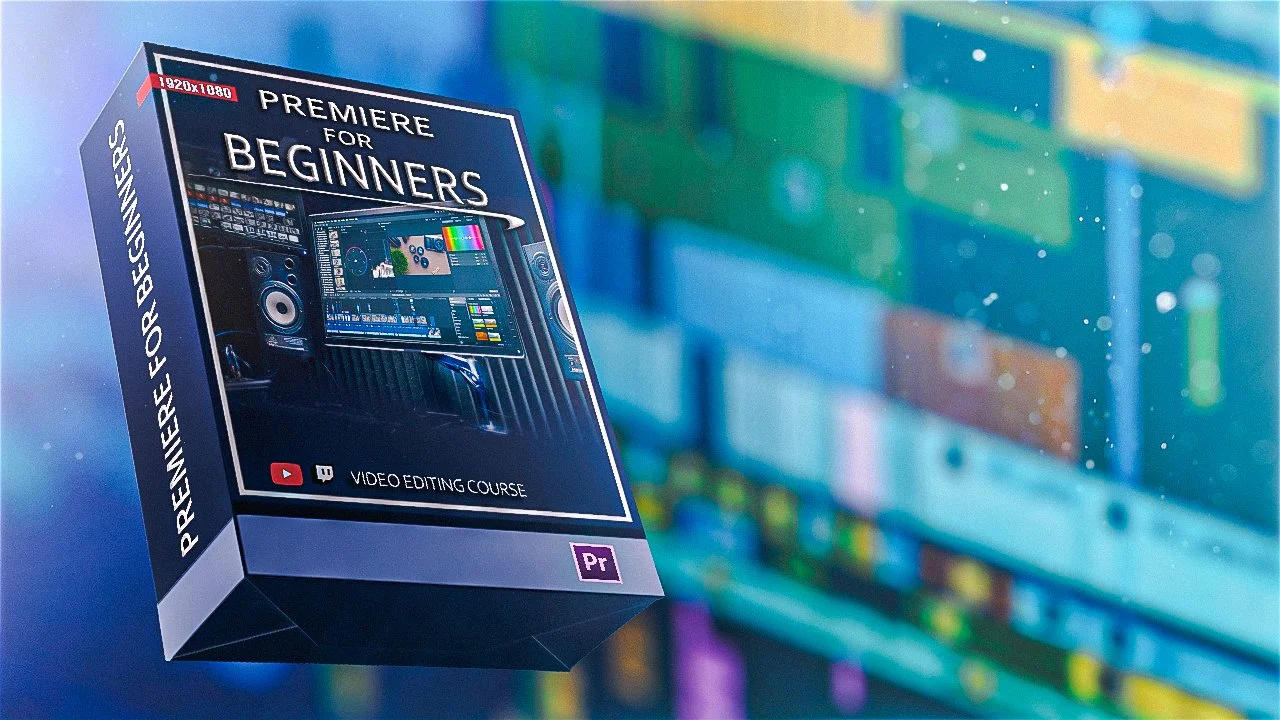
Want to learn how to edit videos for YouTube using Premiere Pro? We’ll show you how! In this self-paced course you’ll receive instructional video lessons to learn how to:
Identify and use basic Premiere Pro tools
Set up your timeline for organized editing
Splice and arrange raw footage clips
Synchronize sound and custom audio to footage
Create scenes with green screen
Implement basic special effects (ex. zoom-ins/outs, slow-mos, blurs, and more)
Apply export settings
AND MORE!
Purchasing this course you also receive lifetime access and 1 on 1 support services for any questions you may have + one FREE private 30 minute lesson with our digital content designer on a video editing topic of your choosing!
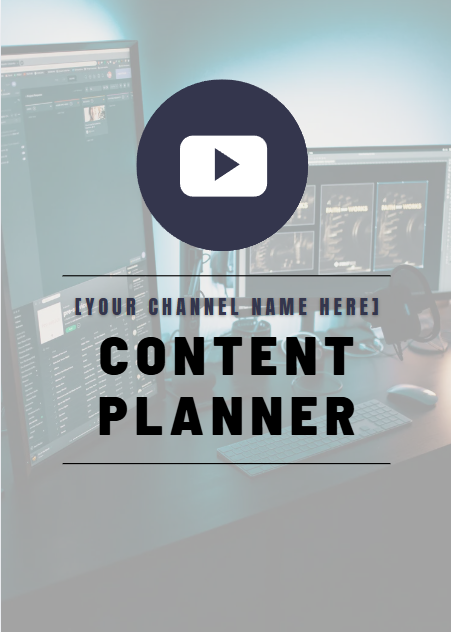
If you’ve ever struggled with organizing your video ideas, cultivating your brand identity, and planning for how you’re going to film and edit your YouTube videos, this template is for you!
There is space to fill out your channel overview, video ideas, and to plan your content.
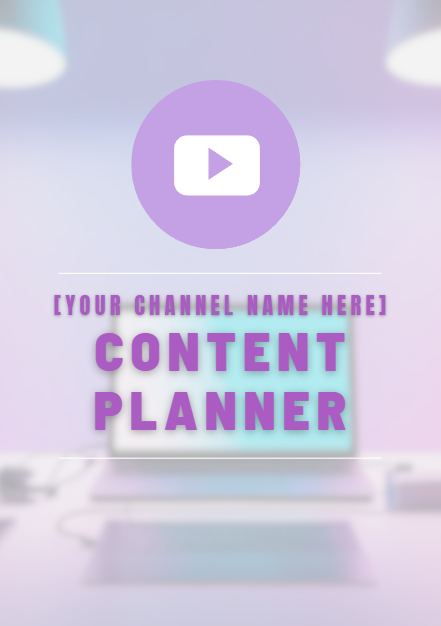
If you’ve ever struggled with organizing your video ideas, cultivating your brand identity, and planning for how you’re going to film and edit your YouTube videos, this template is for you!
There is space to fill out your channel overview, video ideas, and to plan your content.
Step 1:
Submit Client Intake Form
Gives us an idea of your needs and expectations and allows us to assess how we can help
Our process
Step 2:
Receive Proposal
After reviewing your intake form, we will send you a project proposal with pricing, timeline, and detail deliverables.
Step 3:
Create
Once the proposal is accepted, we will begin working on your project. We’ll communicate with you of our progress along the way.
Step 4:
Deliver
After completing the first draft of the project it will be delivered for your review. We’ll be happy to make any adjustments or apply any notes you have until you receive a ready to use version that you’re fully satisfied with.